Adding a Lithium Battery + 4G Module + Power Switch to the Lichuang Practical ESP32-S3 Development Board
Project Summary
Based on the Real-Combat ESP32-S3 development board, this build adds lithium battery management, a 4G communication module, and a self-lock power switch to achieve true zero power draw when off. The system can connect to the AI assistant over Wi-Fi or 4G.
Features
- Add a 4G module and update the open-source XiaoZhi software to support it.
- Integrate lithium battery charging and management.
- Use a self-lock power switch for zero standby power when off.
- Expose a capacitive touch interface (software not yet implemented).
- Remove the camera feature to simplify the build.
- Reinforce the enclosure to house the battery and 4G module.
Schematic PCB and 3D files
Board: Real-Combat ESP32-S3 development board. See the original post for the preview and editor link.
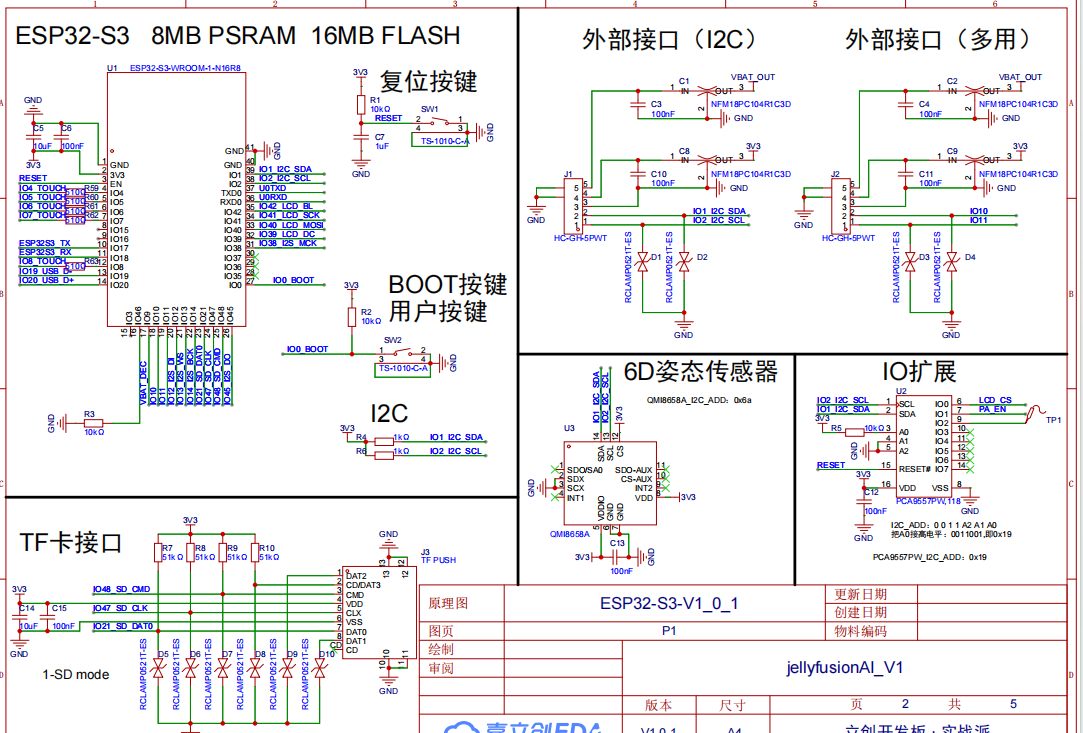
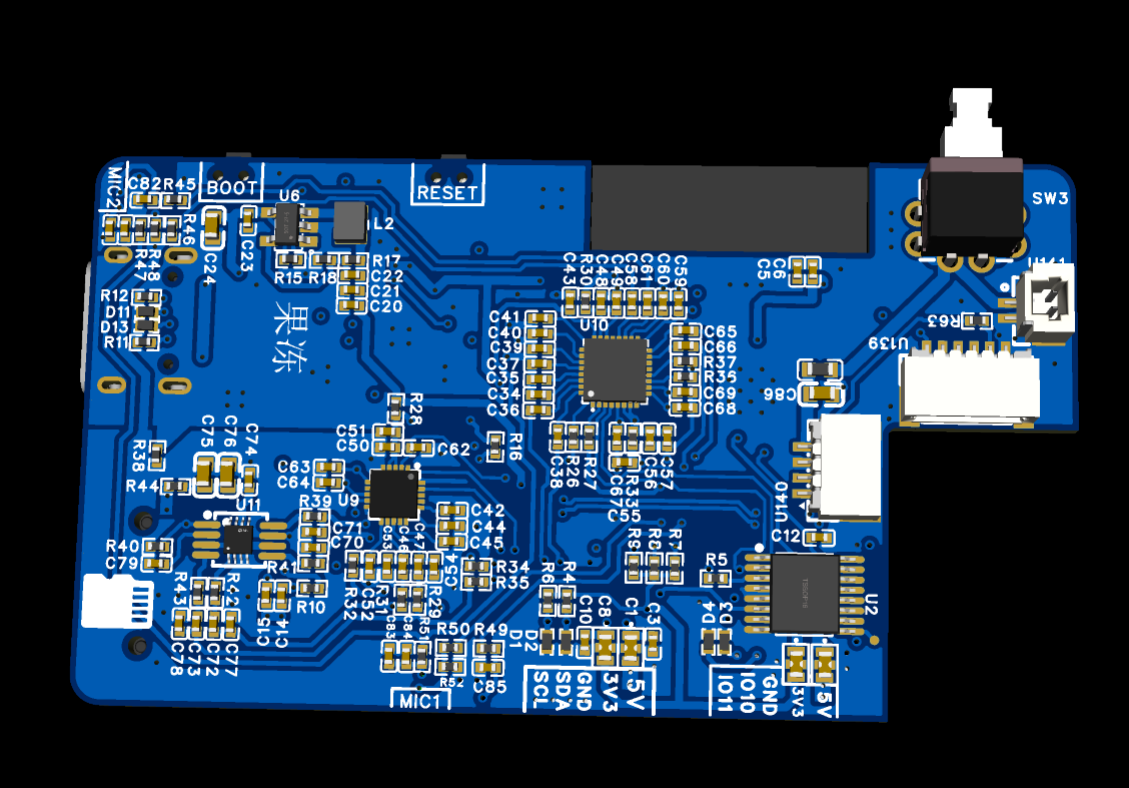
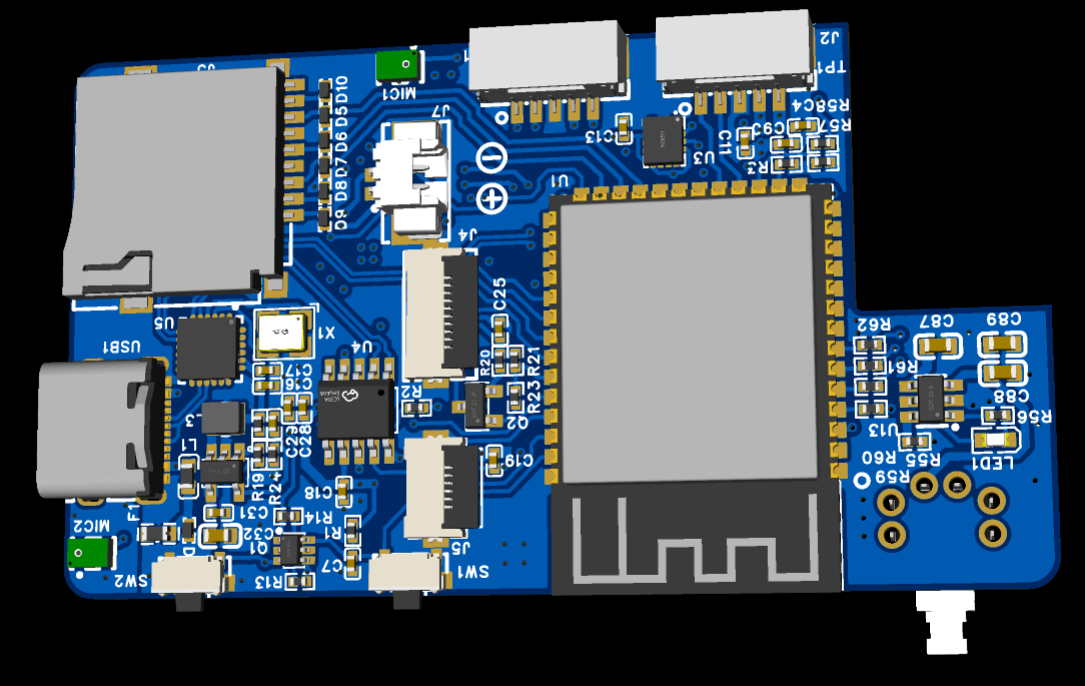
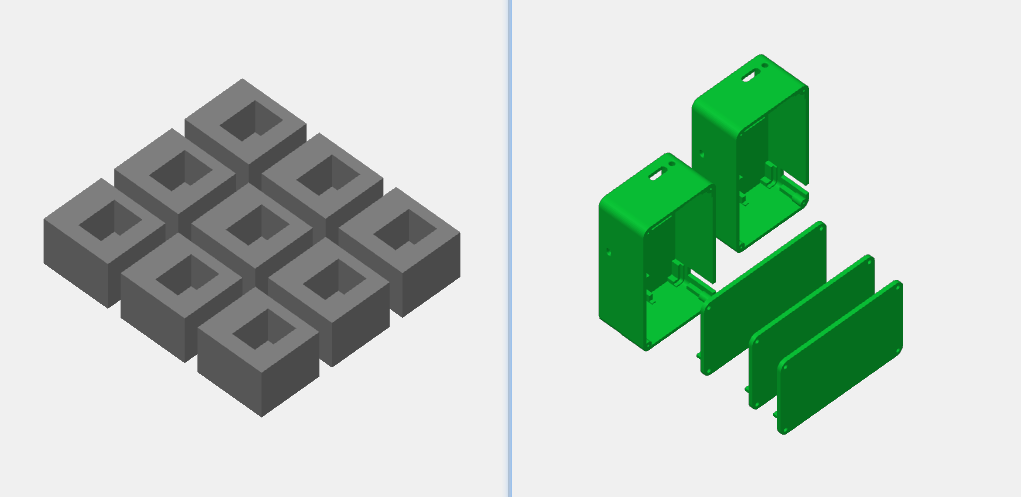
Software Code
Repository: https://github.com/herryyueqq/-4g-
Notes
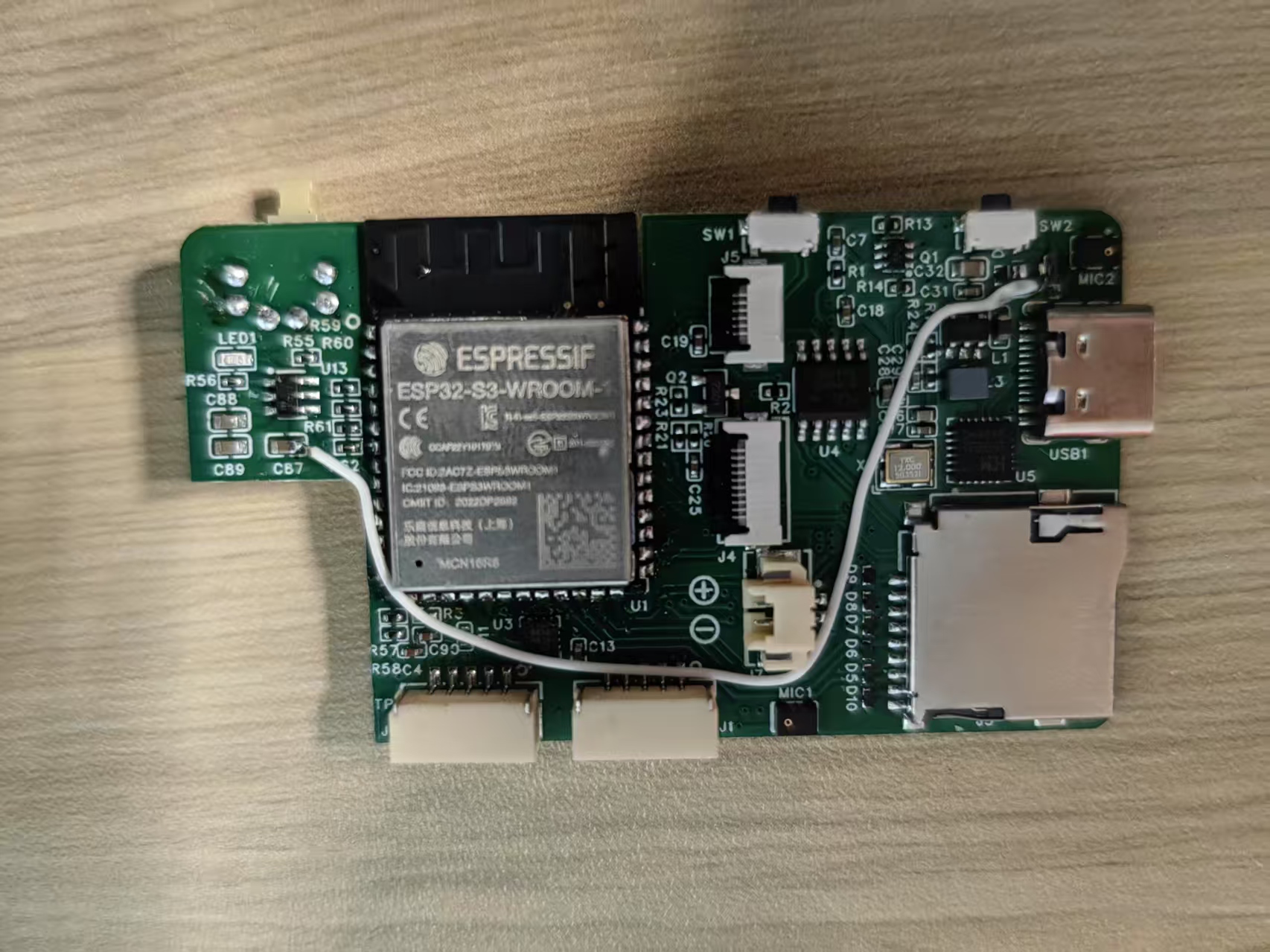
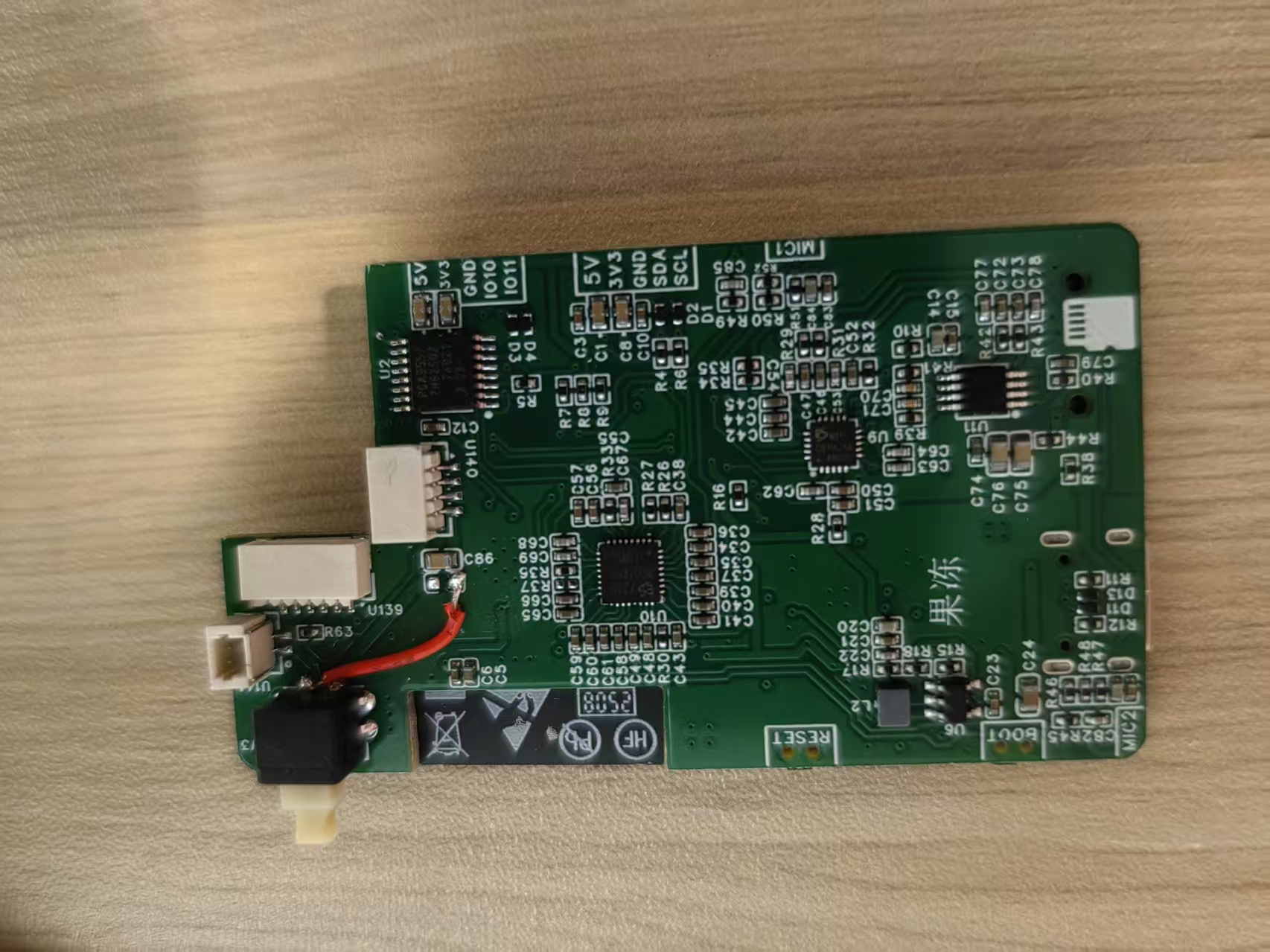
- Two fly wires are present on the board.
- Fly wire #1 routes main input power to the charging circuit.
- Fly wire #2 puts 4G module power behind the switch to ensure zero draw when off.
Assembly Steps
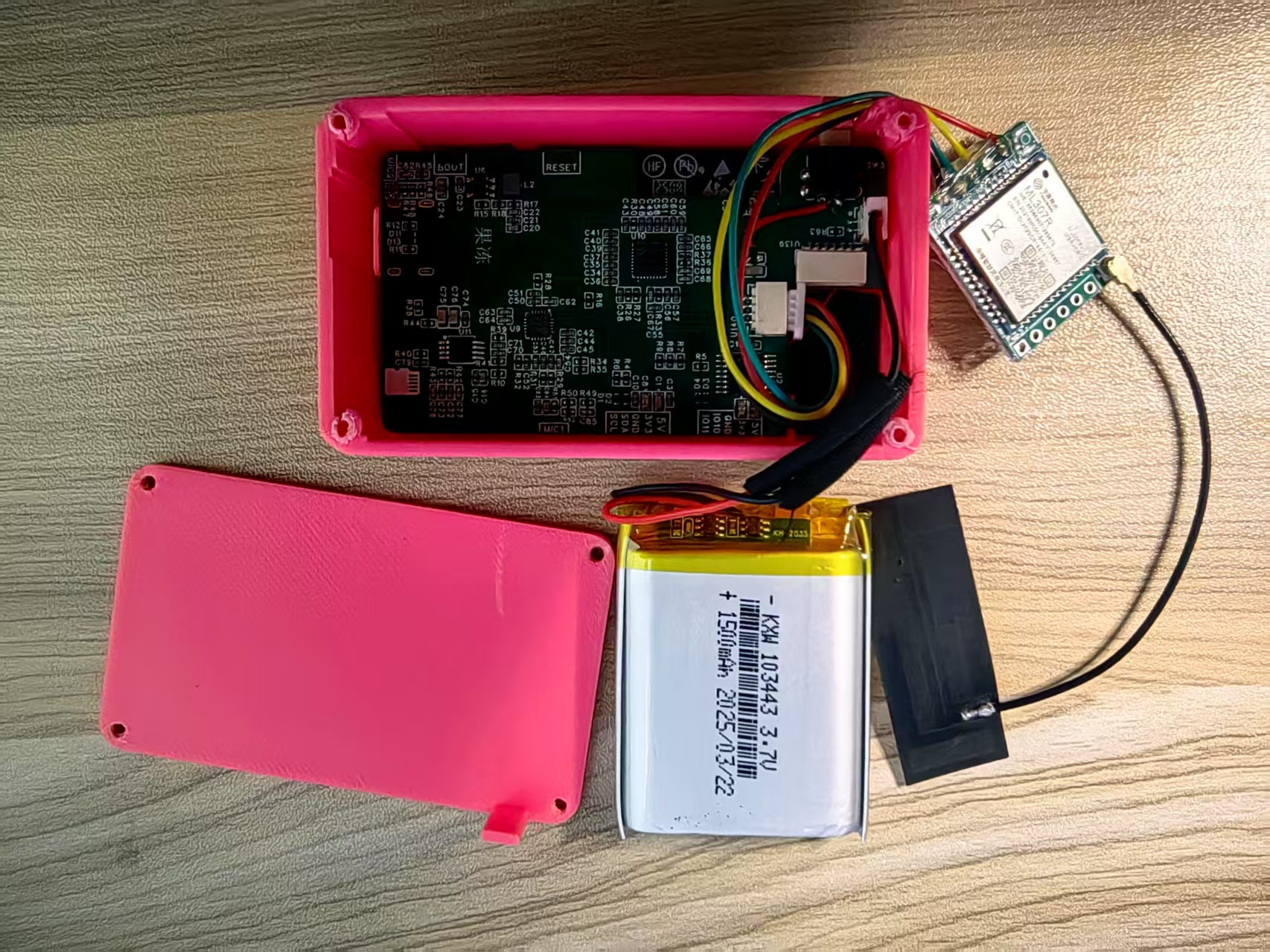
- Install the 4G module and battery onto the board.
- Place the board into the front shell; position the 4G module, battery, and antennas.
- Mount the display and apply the adhesive.
- Use a glue gun to secure the 4G module, battery, and wiring.
- Install the back shell and fasten screws.
- Attach the power button cap. See the Bilibili video for a full walkthrough.
Product Images
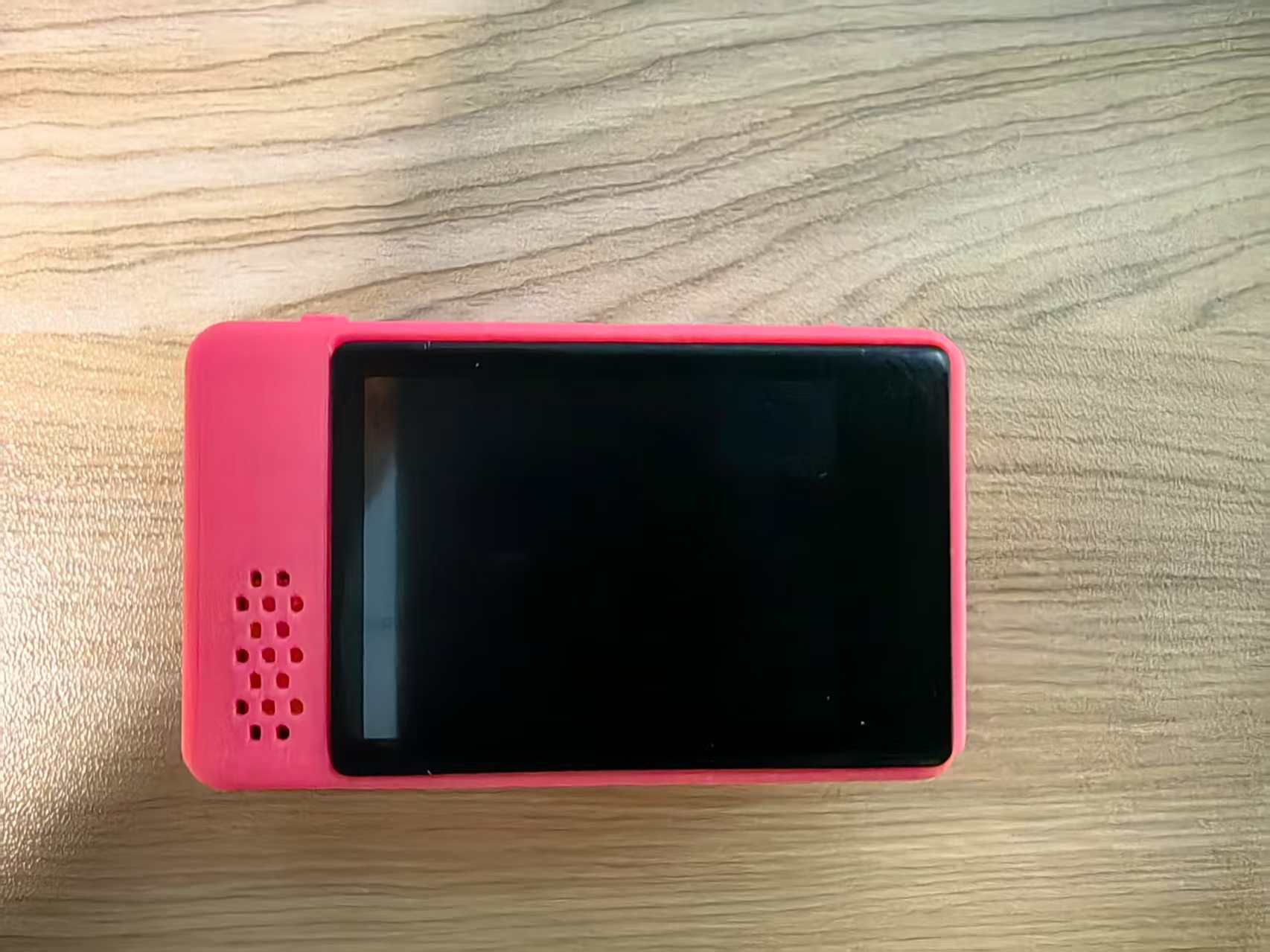
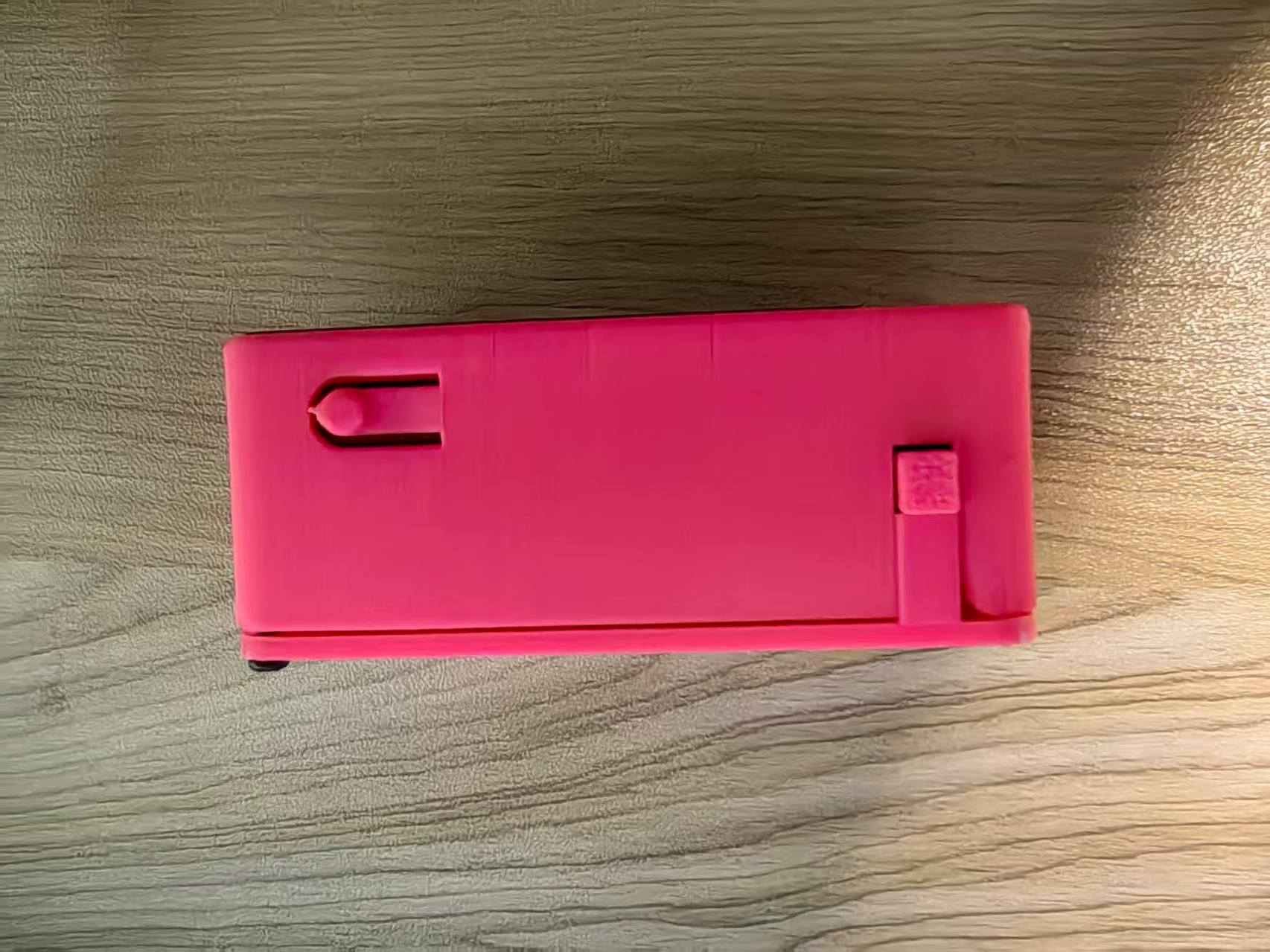
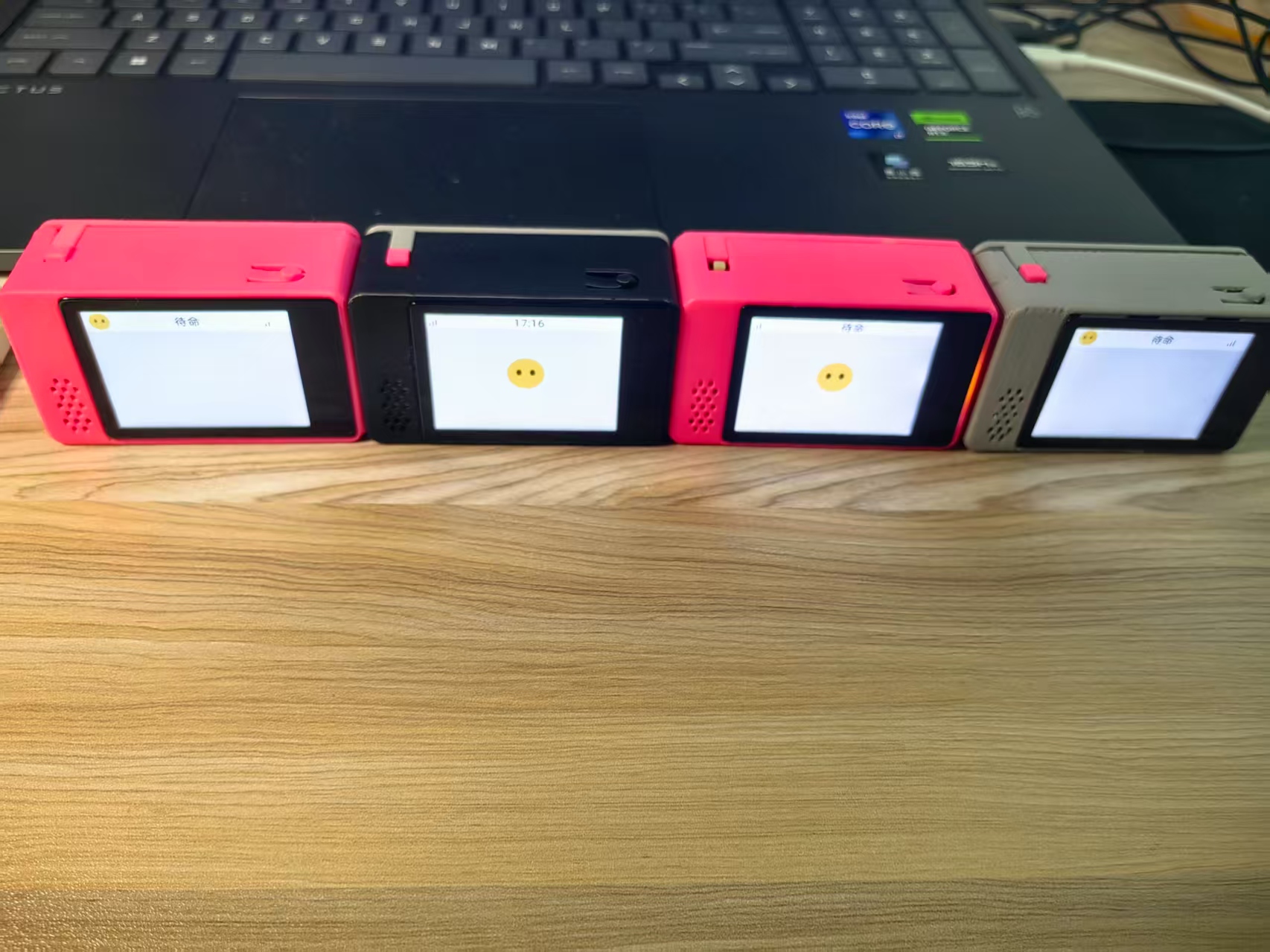
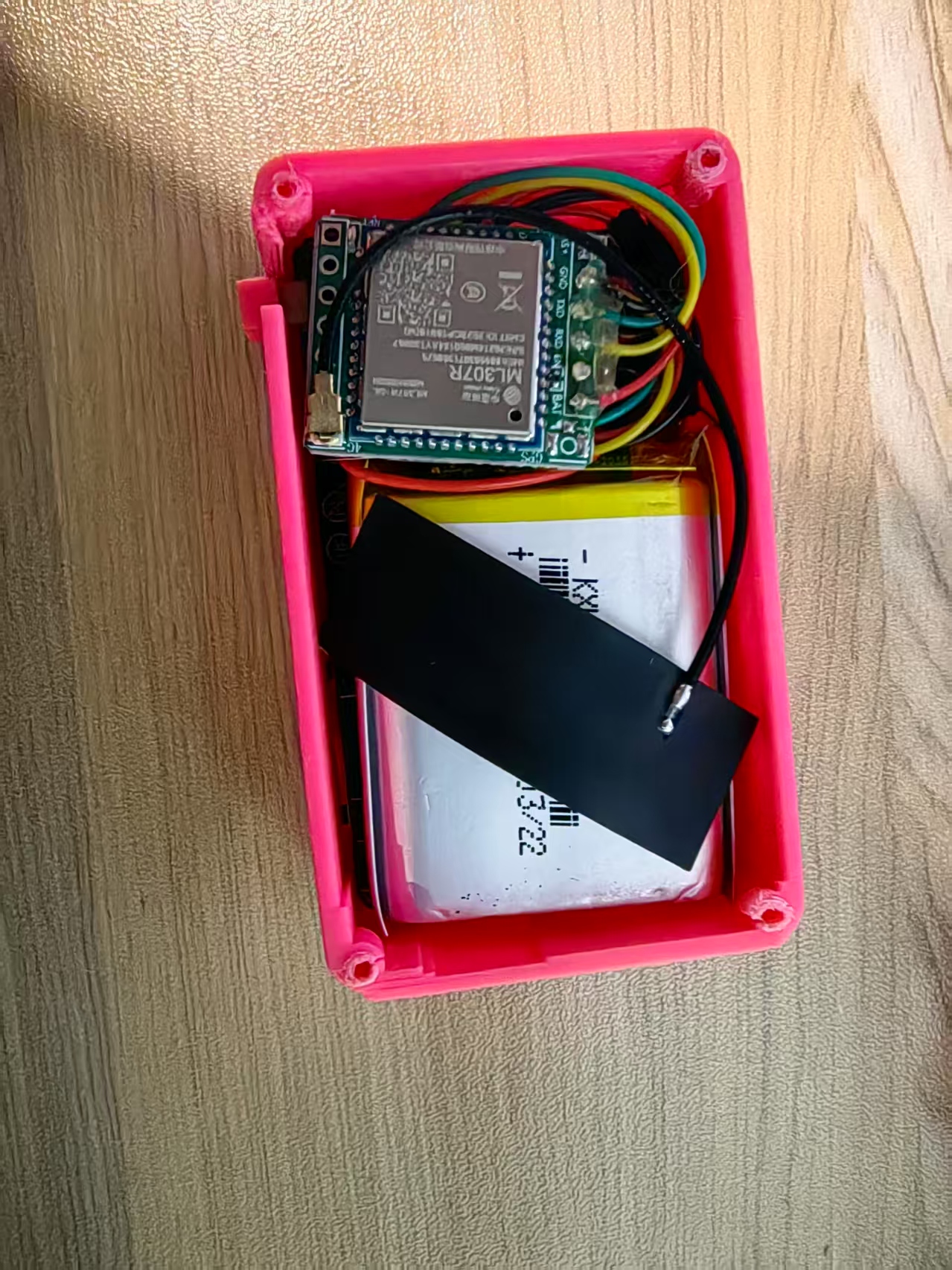
Purchase Complete Kit
Get the complete ESP32-S3 development board kit with lithium battery, 4G module, and power switch.
Total Price: $39.90